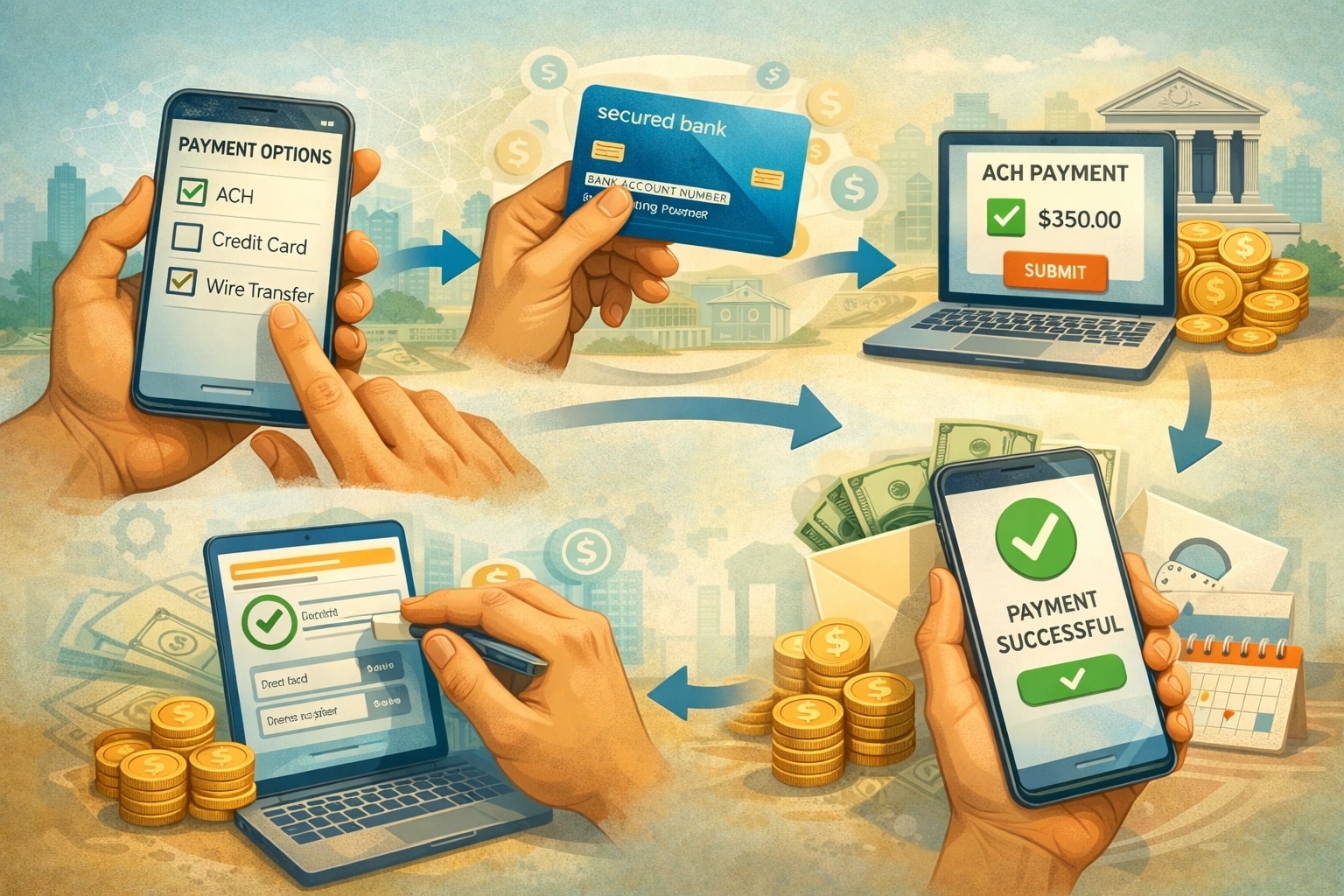
An ACH payment is one of the most reliable ways to move money from one bank account to another for everyday business and personal needs.
If you pay vendors, collect recurring bills, run payroll, reimburse contractors, or simply want a cost-effective way to transfer funds, an ACH (Automated Clearing House) payment can be the backbone of your money movement strategy. It’s designed for bank-to-bank transfers that are predictable, trackable, and generally lower-cost than wire transfers or card payments.
What makes an ACH payment especially valuable is how widely it’s supported. Most banks and many payment platforms let you initiate an ACH (Automated Clearing House) payment in minutes, schedule it ahead of time, and create a clean audit trail.
At the same time, the details matter: the routing number must be correct, the account type must match, authorizations must be stored, and your timing expectations must align with ACH processing windows.
This guide walks you through how to make an ACH (Automated Clearing House) payment step by step, the information you need, how long it takes, how to reduce failures, and how to keep an ACH payment secure.
You’ll also learn practical best practices for businesses, plus future-looking trends that can help you plan for faster settlement and smarter fraud controls. Throughout the article, the focus is on clear actions you can take today to make your next ACH (Automated Clearing House) payment smoother and more dependable.
What an ACH Payment Is and Why People Use It
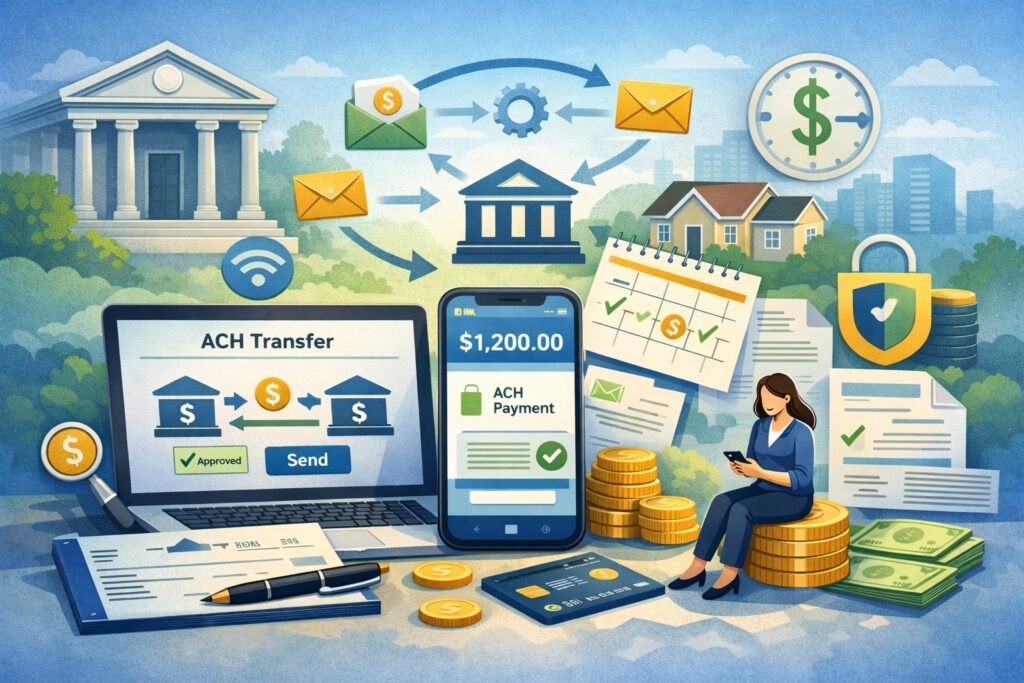
An ACH (Automated Clearing House) payment is an electronic transfer of funds processed through the Automated Clearing House network. Instead of moving money instantly like some card transactions, an ACH payment moves in batches and follows banking rules that standardize how accounts are credited and debited.
That structure is a big reason businesses prefer an ACH (Automated Clearing House) payment for repeatable transactions such as rent, utilities, subscriptions, membership dues, invoice payments, and payroll.
One major advantage of an ACH payment is cost efficiency. An ACH (Automated Clearing House) payment typically has lower processing costs than card acceptance, especially for higher-ticket invoices where percentage-based fees can add up.
Another advantage is predictability: you can schedule an ACH (Automated Clearing House) payment for a specific date, automate recurring debits, and reconcile transactions using bank reports and payment references.
An ACH payment is also flexible because it supports both “push” and “pull” flows. You can push money out to a supplier, or pull money in from a customer with proper authorization.
The key is choosing the correct method and capturing the correct permissions, because an ACH payment is governed by authorization requirements and return rules that differ from card chargebacks.
The best way to think about an ACH (Automated Clearing House) payment is as a bank-native payment method: it’s built for account-to-account movement, and it shines when you value lower cost, automation, and clean accounting over immediate, point-of-sale speed.
ACH Credit vs. ACH Debit: Choosing the Right Type
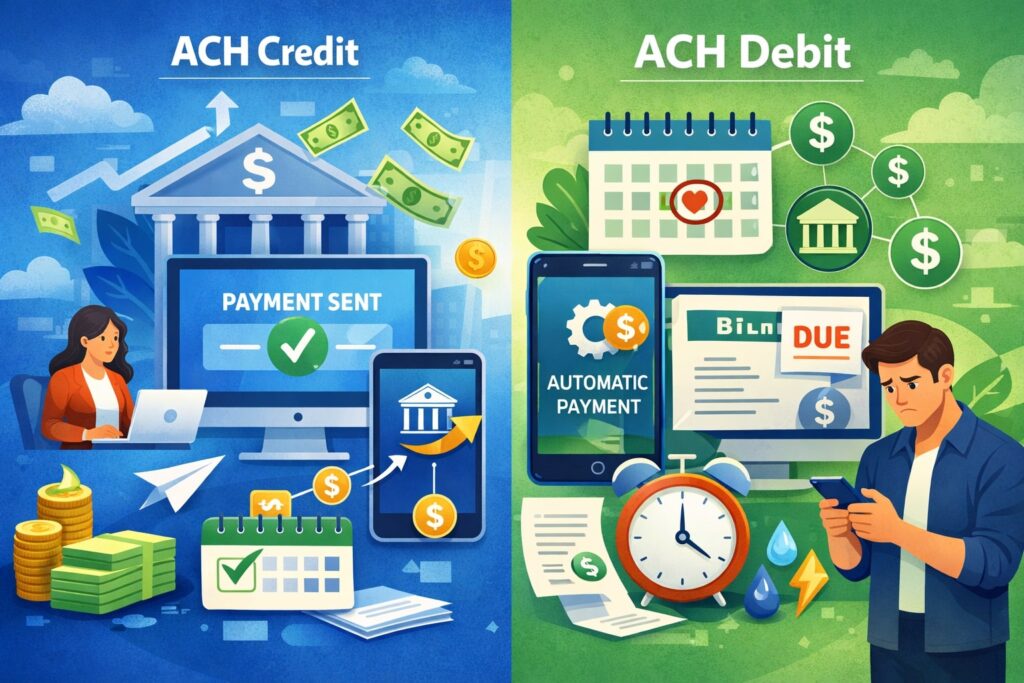
When you make an ACH payment, you’re usually using one of two transaction types: ACH credit or ACH debit. Choosing the right type is not just a technical detail—it affects permissions, failure rates, and how you manage cash flow.
An ACH credit is a “push” transaction. The payer initiates the ACH (Automated Clearing House) payment to send funds to the payee. Examples include paying a vendor invoice, sending payroll to employees, or moving money from your business account to a contractor’s bank account.
Because it’s payer-initiated, an ACH payment by credit often feels simpler in terms of authorization: the sender is effectively instructing their own bank or platform to send funds.
An ACH debit is a “pull” transaction. The payee (or the payee’s processor) initiates the ACH payment to pull funds from the payer’s bank account—only after the payer has provided valid authorization.
This is common for recurring billing, subscription services, loan payments, and utility autopay. With an ACH payment by debit, authorization quality matters a lot because returns can occur if the customer disputes authorization, closes the account, or lacks funds.
From a business standpoint, ACH credit is often best for one-time payments you control, while ACH debit can be ideal for recurring collections—assuming you have strong onboarding, clear customer consent, and a process for handling exceptions.
In both cases, the “right” choice is the one that aligns your ACH (Automated Clearing House) payment workflow with customer expectations, cash timing, and risk tolerance.
What You Need Before You Make an ACH Payment
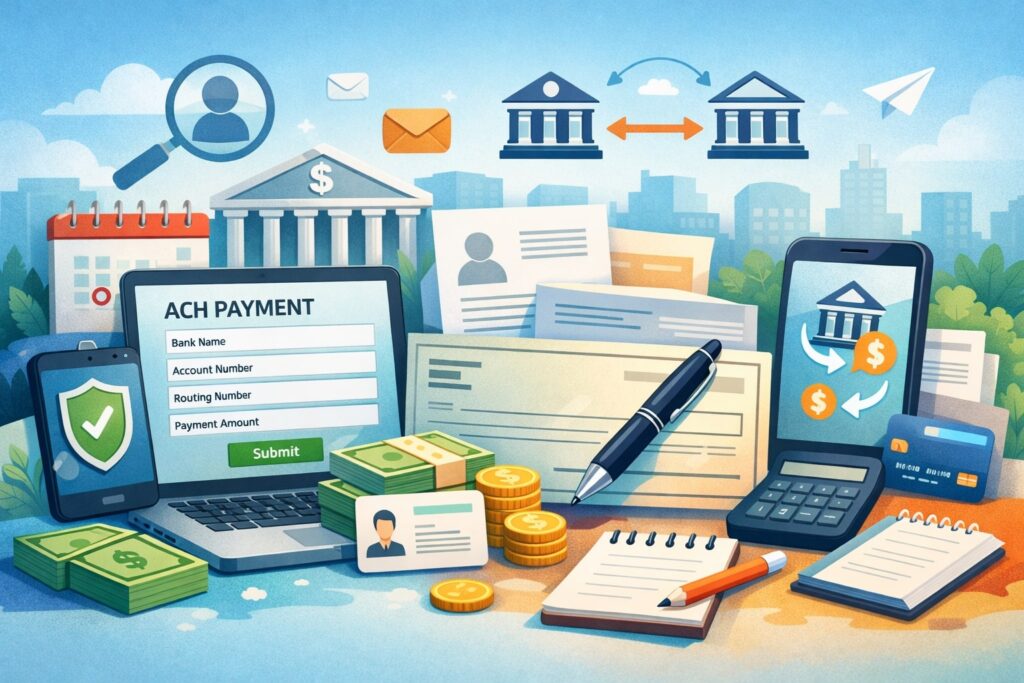
Before you initiate an ACH payment, you need a small set of details that must be correct. Getting these right dramatically reduces failed transfers, delayed settlement, and administrative cleanup.
The essentials are the destination bank’s routing number, the recipient’s account number, the account type (checking or savings), the recipient’s name (or business name), and in many cases, a description or reference note that helps both sides reconcile the ACH (Automated Clearing House) payment.
You’ll also want to decide whether your ACH payment is a one-time transfer or a scheduled/recurring payment. If it’s recurring, create a consistent naming convention for payment descriptions.
This becomes a quiet superpower later when you search bank statements, build accounting rules, and respond to customer questions. Another important preparation step is knowing your payment amount limits.
Banks and platforms may impose daily or per-transaction caps for an ACH (Automated Clearing House) payment, especially for new payees or newly linked accounts.
For businesses, you should also confirm who has internal approval authority to release an ACH payment. Separating initiation from approval is a practical control that reduces fraud and internal errors.
In accounting terms, it’s common to require invoices, purchase orders, or documented approvals to support each ACH (Automated Clearing House) payment over a set threshold.
Finally, be mindful of timing. If you need a bill paid by a certain date, plan for processing windows. An ACH payment can be fast, but it isn’t always instant. A small buffer helps you avoid late fees and awkward vendor conversations.
Verifying Bank Details for a Successful ACH Payment

Verification is where many ACH (Automated Clearing House) payment failures are born—or prevented. The most common reason an ACH payment fails is incorrect account information: a routing number typo, a wrong digit in an account number, or a mismatch between account type and the information entered. Even a small mistake can trigger a return, which may create fees, delays, and extra work.
A strong practice is to verify details using a trusted method rather than copying from a screenshot or an old email thread. Ideally, confirm the routing and account numbers from a voided check (for checking accounts) or an official bank-provided document.
If you’re using a payment platform, consider built-in bank verification options. Many systems offer instant bank verification through secure credential-based linking or micro-deposits that confirm the account can receive and send an ACH payment.
For business payees, also verify the legal name on the account when possible—especially if you’re paying a supplier and the onboarding data came from a form submission.
Vendor impersonation scams often rely on changing bank details and requesting that the next ACH (Automated Clearing House) payment be sent to a “new” account. A simple verification step—calling a known contact using a trusted phone number—can prevent a costly misdirected ACH payment.
If you’re collecting funds via ACH debit, verification matters even more. Confirming ownership and ensuring the customer is authorized to approve the ACH payment reduces dispute risk and minimizes unauthorized return codes. In short: treat verification as part of your payment process, not an optional add-on.
How to Make an ACH (Automated Clearing House) Payment Through Online Banking
For many people, the simplest way to make an ACH payment is through their bank’s online bill pay or transfer feature. The exact labels vary by bank, but the process is usually consistent.
You start by logging into online banking, navigating to transfers or payments, and choosing an option like “Send money to another bank,” “External transfer,” or “Add payee.” Some banks treat this as an external transfer, while others frame it as a bill pay function that results in an ACH (Automated Clearing House) payment behind the scenes.
Next, you add the recipient’s bank details. This is where accuracy matters most: routing number, account number, account type, and recipient name.
Your bank may require you to verify the external account using micro-deposits, especially if the recipient is another account you own. Once verified, you can initiate the ACH payment by selecting the amount, the date you want it to process, and an optional memo or reference note.
After you submit the ACH payment, you should save the confirmation or reference ID. This becomes useful for tracking and reconciliation if the recipient doesn’t see funds when expected. Many banks let you view a pending status before the ACH (Automated Clearing House) payment settles, and you may have a short window where you can cancel a scheduled transfer.
Online banking is ideal for straightforward scenarios: paying a landlord, sending money to a contractor, or moving funds between your own accounts. Just remember that bank interfaces may not clearly show the difference between an internal transfer and a true ACH payment, so read the details carefully and set the correct delivery date.
Scheduling, Same-Day Options, and Timing Expectations for an ACH Payment
Timing is one of the most misunderstood parts of an ACH (Automated Clearing House) payment. People often expect account-to-account transfers to behave like instant apps, but an ACH payment follows processing cycles.
Many banks and platforms submit ACH files in daily windows, and settlement can take additional time depending on cutoffs, weekends, and holidays.
Scheduling an ACH (Automated Clearing House) payment helps you control cash flow. If you owe a vendor on Friday, scheduling the ACH payment earlier in the week reduces stress and lowers the chance of a late arrival.
Most systems also support recurring scheduling, which is useful for predictable bills. The best approach is to schedule based on when the recipient needs the funds, not only when you “send” the ACH payment.
Some services support faster settlement through same-day processing. Same-day ACH payment options can shorten the timeline, but availability varies by bank and payment provider, and there may be additional fees or eligibility requirements.
Even when same-day is offered, you still need to submit before the provider’s cutoff time to get the ACH (Automated Clearing House) payment into the right processing window.
Practical advice: if you’re making a first-time ACH (Automated Clearing House) payment to a new recipient, add an extra buffer. First-time setups sometimes trigger verification steps or risk checks. Once the payee is established and verified, future ACH payment transactions are usually smoother and more predictable.
How to Make an ACH Payment Using a Business Payment Platform or Processor
Businesses often make an ACH payment through a payment platform rather than directly through online banking. The advantage is better workflow: approvals, vendor management, accounting exports, payment notifications, and batch capabilities. If your business pays multiple suppliers, a platform-based ACH (Automated Clearing House) payment process can reduce manual entry and human error.
The typical platform flow starts with adding a vendor or recipient profile. You enter or collect the banking details, set whether the ACH payment is a credit (you push funds out) or debit (you collect funds in), and store documentation or authorization.
Next, you create a payment tied to an invoice or bill record, choose the processing speed, and schedule the ACH payment. Many platforms will also send a remittance email so the recipient knows which invoice the ACH (Automated Clearing House) payment is meant to cover.
For businesses collecting payments, platforms can support customer authorization capture, bank account verification, and recurring billing.
This is where an ACH payment can become a scalable revenue tool, especially if you’re reducing card fees or offering bank transfer incentives. However, platforms also introduce additional rules: risk checks, underwriting requirements, and return handling policies.
If you’re choosing a provider, prioritize clear reporting and strong support for exception handling. A well-designed dashboard that shows pending, processed, returned, and corrected ACH (Automated Clearing House) payment transactions can save hours of operational time each month. The goal is not only to send an ACH payment, but to manage the entire payment lifecycle efficiently.
Batch ACH Payment Workflows for Payroll, Vendors, and High Volume
When you need to send many payments at once, batch processing becomes the most efficient way to make an ACH (Automated Clearing House) payment at scale. Payroll is the classic example: dozens or hundreds of employee deposits that need to arrive on time. Vendor disbursements and marketplace payouts are also common batch ACH payment use cases.
Batch workflows typically start with a payee list. You store validated banking details per recipient and assign each person a payment amount for the current cycle. From there, you generate a batch file or submit the batch through a platform interface.
Many organizations use dual control: one person prepares the batch ACH payment set, and another approves and releases it. This reduces the risk of fraud and accidental overpayments.
Another important element is pre-notification and testing. Some businesses do a small test ACH (Automated Clearing House) payment (or a pre-note validation depending on their setup) before sending large amounts to new recipients.
This can reduce returns caused by incorrect details. Returns are costly in time and sometimes fees, and they disrupt trust—especially in payroll scenarios.
Batch ACH payment processing also requires thoughtful timing. Many employers submit payroll batches several days before payday to ensure funds arrive even if a bank processing window changes.
The same logic applies to high-volume vendor batches. Good batch management is about predictability, auditability, and minimizing exceptions—not just pushing a button to send an ACH payment.
ACH Payment Fees, Limits, Tracking, and Reconciliation
Understanding costs and limits helps you avoid surprises when you make an ACH payment. Many banks charge little or nothing for basic external transfers, while some business accounts charge fees for outgoing ACH payment transactions or same-day options.
Payment platforms may price ACH as a flat fee per transaction, a tiered plan, or a blend based on risk and volume. The real “cost” also includes operational overhead—how much staff time is spent tracking down missing payments and fixing returns.
Limits are equally important. A bank might allow a small external ACH (Automated Clearing House) payment limit for new payees, then increase it over time. Platforms may also cap daily volumes until your account history and verification are established.
If you’re paying large invoices, plan ahead and confirm your maximum ACH payment capacity so you don’t hit a ceiling right before a due date.
Tracking is usually done through confirmation IDs, transaction status pages, and bank statement entries. A best practice is to include a consistent memo or invoice reference with each ACH payment.
This makes reconciliation faster in accounting software. If your accounting team is matching payments to invoices, even a simple reference like “INV-1047” can cut hours of manual work over time.
For reconciliation, schedule a routine: check pending ACH payment transactions daily, match settled payments to invoices weekly, and review returns immediately. Fast response to exceptions keeps your ledgers clean and prevents repeat failures.
Returns, Reversals, and Disputes: What to Do When an ACH Payment Goes Wrong
Even with best practices, an ACH payment can sometimes fail or be returned. Returns happen for many reasons: insufficient funds, closed accounts, invalid account numbers, stopped payments, or authorization disputes (especially with ACH debit).
The most important thing is to respond quickly and methodically so the issue doesn’t cascade into missed payroll, unpaid vendors, or customer dissatisfaction.
Start by identifying the return reason code in your bank or platform reporting. The reason tells you whether the issue is fixable by re-submitting the ACH payment (for example, if the customer had insufficient funds) or whether you need corrected account details.
If the return indicates an authorization problem, stop further debits until you confirm the customer’s consent. Repeated unauthorized attempts can increase risk flags and harm your ability to process future ACH payment transactions smoothly.
Reversals are different from returns. A reversal is typically used to correct an error, like sending the wrong amount or sending an ACH payment to the wrong recipient due to a mistake.
Reversal rules and timing are strict, and not every scenario qualifies. If you think a reversal applies, act immediately and follow your provider’s documented reversal process.
Disputes often arise from confusion: customers forget they authorized a recurring debit, or they don’t recognize the descriptor. Clear descriptions, reminders before debiting, and easy-to-find authorization records reduce this risk.
In short, preventing ACH payment problems is ideal—but having a disciplined response plan is what keeps small issues from becoming operational fires.
Security, Compliance, and Best Practices for an ACH Payment
Security is not optional when making an ACH payment, especially for businesses. Because an ACH payment pulls directly from bank accounts, bad data hygiene or weak controls can lead to misdirected funds, unauthorized debits, and account compromise.
A strong baseline includes role-based access, multi-factor authentication, and separation of duties so one person cannot create and approve every ACH payment.
Authorization is critical for ACH debit. You should store customer authorization records in a retrievable format, including the method of consent (online form, written agreement, recorded call), the date and time, and the terms.
Clear, plain-language authorization reduces disputes and builds trust. If you’re collecting recurring ACH payment debits, send reminders and provide easy cancellation instructions consistent with your policies.
For vendor payments, the biggest security risk is vendor bank-change fraud. Criminals may impersonate a supplier and request that future ACH payment transfers go to a new account.
The best defense is a verification procedure: confirm changes using a trusted contact method, require internal approval, and document the change request. A two-step verification process is a simple way to protect every outbound ACH payment.
Also protect your data. Limit where bank account details are stored, encrypt sensitive records, and avoid sending full account numbers via email.
If you’re using a platform, ensure it supports secure vaulting or tokenization so your systems aren’t directly storing bank details. Security best practices don’t slow down an ACH payment process—they make it sustainable.
Fraud Prevention and Authorization Controls for ACH Payment Programs
Fraud prevention for an ACH payment program is about reducing both external threats and internal mistakes. Start with strong onboarding controls.
For any new payer account used for ACH debit, verify ownership through bank verification methods and monitor early transactions for anomalies. For outbound ACH payment credits, validate payees and use approval controls before releasing funds.
Transaction monitoring helps. Many payment platforms offer velocity limits (how many ACH payment attempts per day), anomaly detection, and risk scoring.
Even without advanced tools, you can implement practical rules: require manager approval over a threshold, flag first-time payees for manual review, and restrict bank detail changes to a small number of trusted administrators.
Authorization controls deserve extra attention. Make authorization language clear and specific about amount, timing, and frequency. If amounts can vary, say so. If billing is recurring, include the schedule.
When customers understand what they agreed to, they’re less likely to dispute an ACH payment later. Store authorization evidence and keep it searchable. When a return comes in claiming unauthorized activity, you’ll need to produce documentation quickly.
Also plan for account takeover risk. If a staff member’s email is compromised, attackers may attempt to redirect ACH payment flows. MFA, device-based access checks, and alerts for payee changes help prevent that.
In a mature operation, fraud prevention isn’t a separate department—it’s built directly into how every ACH payment is created, approved, and confirmed.
The Future of ACH Payment: Faster Settlement, Smarter Risk, and Better User Experience
The future of the ACH payment experience is moving toward “bank transfer simplicity” with faster availability and better transparency.
Many organizations already expect payments to feel more immediate, and that expectation is shaping platform design: clearer status updates, improved cutoff visibility, and smarter routing of transactions into faster processing options when available.
A big shift is the continued push toward faster settlement and improved funds availability. While an ACH payment has traditionally been batch-based, modern enhancements and operational improvements are narrowing the gap between initiation and completion.
As banks and platforms compete on user experience, it’s likely you’ll see broader access to faster processing options, more intuitive scheduling, and fewer hidden cutoffs.
Risk management is also getting smarter. Instead of relying only on rigid limits, platforms are increasingly using behavioral signals and account validation to reduce fraud and returns.
That means well-verified customers may see smoother ACH payment acceptance, while suspicious patterns trigger extra verification steps. This is good for legitimate businesses: fewer unexpected returns and more confidence in account-to-account transactions.
You can also expect better integration with accounting and operations. Future-facing systems will make an ACH payment not just a transaction, but a data-rich event—automatically linking invoices, sending remittance details, and updating reconciliation in near real time.
FAQs
Q.1: How long does an ACH payment take to process?
Answer: An ACH payment timing depends on when it’s submitted, the provider’s cutoff times, weekends, and whether faster processing options are available.
In many everyday scenarios, an ACH payment initiated through online banking or a payment platform may take one to a few business days to fully settle and appear as final in the recipient’s account.
If you submit after a cutoff time, your ACH payment might not enter the next processing window until the following business day, which can extend the timeline.
Some platforms support same-day processing in eligible cases, which can shorten the time to receipt. Still, “same-day” doesn’t always mean “instant,” and banks may post incoming funds at different times.
To avoid late payments, it’s best to schedule an ACH payment with buffer time—especially for first-time recipients or large amounts that may trigger additional review.
If timing is critical, confirm your bank or provider’s cutoff schedule and consider sending a small test ACH payment to a new recipient. Knowing how your specific setup behaves in real conditions is the most practical way to set expectations and avoid surprises.
Q.2: Can I cancel an ACH payment after I send it?
Answer: Whether you can cancel an ACH payment depends on the status and the system you used. If the ACH payment is scheduled for a future date and still marked as “pending,” many banks and platforms allow you to cancel it before it’s released into processing.
Once the ACH payment has been submitted into an ACH processing window, cancellation becomes difficult or impossible through normal user controls.
If you made an error—wrong amount or wrong recipient—contact your bank or provider immediately. Some scenarios may allow corrective action, but timelines are strict and outcomes vary.
For ACH debit, stopping a future debit may be possible through your bank, but you should also resolve the underlying authorization and billing issue to prevent repeated attempts.
The best prevention is careful review before submission, especially when sending a high-value ACH payment. Save confirmations and keep documentation so you can act quickly if something looks wrong.
Q.3: What information do I need to make an ACH payment?
Answer: To make an ACH payment, you generally need the recipient’s routing number, account number, account type (checking or savings), and the name on the account.
Many banks or platforms also ask for a memo, nickname, or reference note, which is helpful for reconciliation. For business scenarios, you may need additional details such as a vendor ID, invoice number, or recipient email for remittance notifications.
If the ACH payment is an ACH debit (pulling funds from someone else), you also need valid authorization from the payer. Authorization requirements are a major distinction from card payments and must be handled carefully. Storing proof of authorization protects both your business and your customer if disputes arise.
Accuracy matters. A single incorrect digit can cause the ACH payment to return. Using a verification method—like micro-deposits or secure bank linking—can significantly reduce errors and make future ACH payment transactions smoother.
Q.4: Is an ACH payment safe compared to other payment methods?
Answer: An ACH payment can be very safe when proper controls are in place. The most common risks come from incorrect bank details, weak account access security, or poor authorization practices for ACH debits.
Strong passwords, multi-factor authentication, and role-based controls help protect the systems used to initiate an ACH payment. Verification steps help ensure funds go to the right place.
For businesses, the bigger safety factor is process discipline. Approvals for high-value ACH payment transfers, verification of vendor bank changes, and secure storage of bank details all reduce exposure to fraud.
For recurring debits, clear authorization language and easy-to-find records reduce disputes and unauthorized return claims.
No payment method is risk-free, but an ACH payment is widely trusted for business operations because it’s bank-native, auditable, and compatible with strong internal controls. Safety improves dramatically when you treat the ACH payment process as a system—data accuracy, permissions, monitoring, and documentation—not just a one-time action.
Q.5: What’s the best way for a business to use ACH payments for invoices?
Answer: For invoices, an ACH payment strategy often balances cost, speed, and customer experience. Many businesses accept ACH payment transfers for larger invoices to reduce card fees.
A strong approach is to include ACH details on invoices or provide a secure payment link that allows customers to authorize an ACH payment without emailing bank information.
To improve success rates, verify customer accounts using a secure method and use clear descriptors so customers recognize the debit. Offer reminders before due dates and confirm when the ACH payment settles. Internally, tie each ACH payment to an invoice number so reconciliation is quick and accurate.
For high volume invoicing, a platform that automates reminders, reconciliation, and exception handling can pay for itself in saved staff time. The goal is simple: make the ACH payment easy for the customer and easy for your accounting team—while reducing errors and returns.
Conclusion
Making an ACH payment is straightforward once you understand the essentials: choose whether you’re sending an ACH credit or collecting via ACH debit, verify bank details carefully, submit with the right timing expectations, and keep strong records for tracking and reconciliation.
Whether you use online banking or a business payment platform, the quality of your process—verification, authorization, approvals, and monitoring—directly affects how reliable every ACH payment becomes.
If you’re using an ACH payment for recurring billing or high-volume payouts, build in controls that reduce returns and prevent fraud: secure verification, dual approval, clean descriptors, and documented authorizations. These steps don’t just protect you—they make the ACH payment experience smoother for customers, vendors, and your internal team.
Looking ahead, the ACH payment landscape is trending toward faster settlement, improved transparency, and smarter risk controls. That means the fundamentals you apply today—data accuracy, workflow discipline, and customer-friendly communication—will continue to matter, while the tools and timelines get better.
With the right setup, an ACH payment can be one of the most cost-effective, scalable, and dependable ways to move money for modern business operations.
Leave a Reply